
This guide shows you how to access your shared Canva design with edit permissions and walk through the steps to order prints directly through Canva.
First, we'll give you Edit access to the design:
-
In the Canva design: we'll click Share > select the Add people or groups field
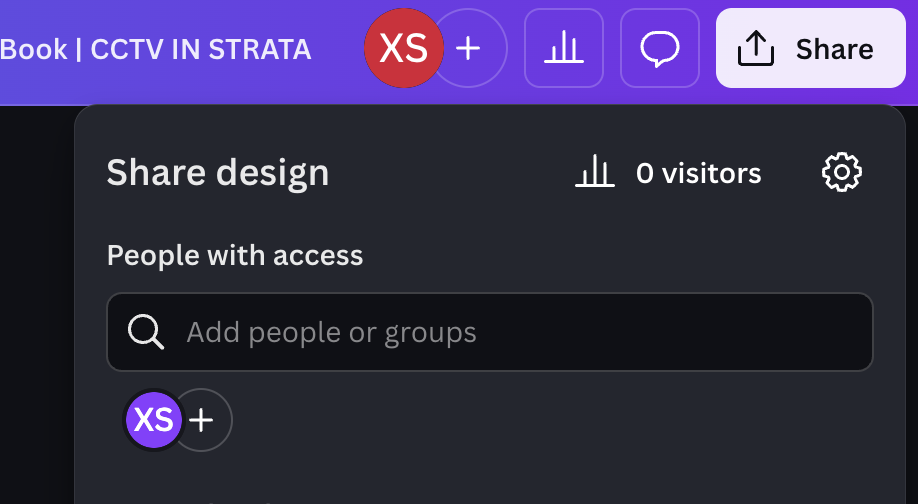
-
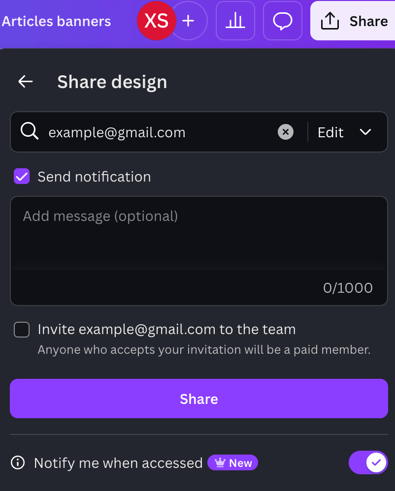
We'll add the email that you use in your Canva account > give you Edit access > Share
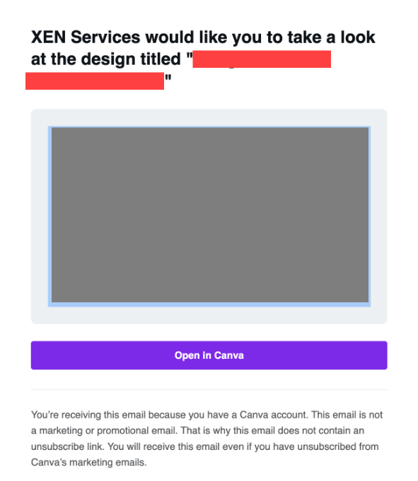
- You'll receive an invite like this in your email. Click Open in Canva
- You should now have Edit access to the design
You can now proceed with ordering the prints through Canva:
- In the Canva design: click the Print with Canva button at the top
- If that button isn't available, you can also click the Share button and look for the Print with Canva icon
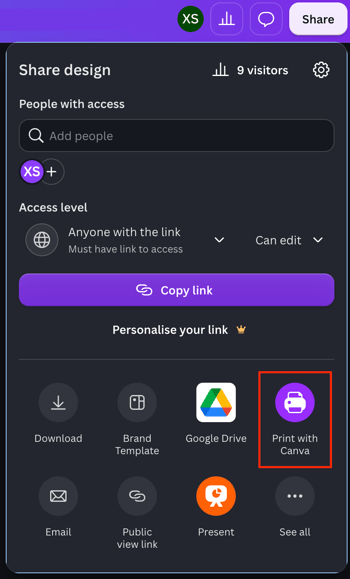
- If that button isn't available, you can also click the Share button and look for the Print with Canva icon
- Select the type of product you want to print
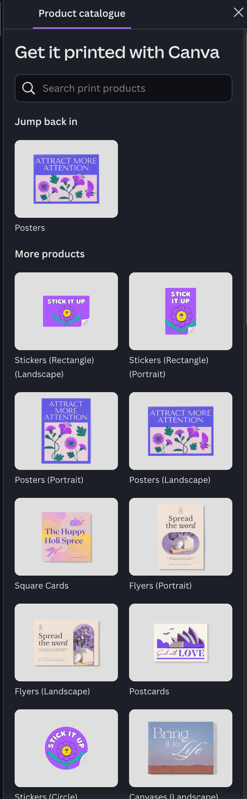
- In the next steps, select your print specifications. The available options will vary depending on the product you choose, but typically include:
- Pages to print
- Size
- Paper finish
- Quantity
- Click Continue then proceed to Checkout